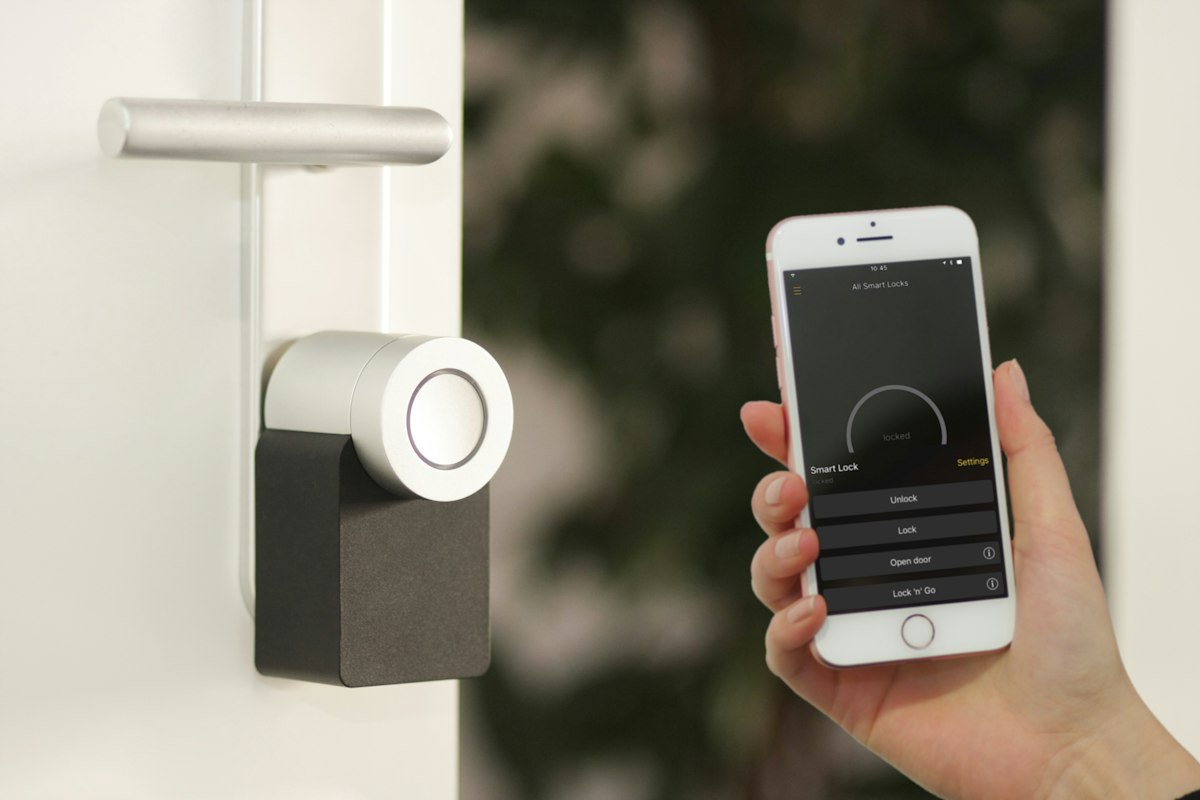
Living in an apartment shouldn't mean giving up smart home security. Yet most Ring doorbell guides assume you have a single-family home with existing doorbell wiring, a front door you own, and no landlord to worry about.
This guide is specifically written for renters. It covers how to install a Ring doorbell in an apartment without wiring, without drilling, and without risking your security deposit — in under 15 minutes. We cover every model option, every mount type, the correct installation height, Ring app configuration for shared hallways, and how to set motion zones that don't flood you with false alerts from neighbours walking past.
For everything Ring — setup guides, troubleshooting, and expert tips — visit RingDoorbellSetup.tech, your complete resource for Ring Doorbell installation and support.
Ring doorbell apartment installation roadmap — 6 steps, zero drilling, zero wiring
Table of Contents
- Can You Install Ring in an Apartment? The Short Answer
- Best Ring Doorbell Models for Apartments in 2026
- Mount Options — No-Drill, Adhesive, Corner, and Wedge
- Before You Start — What You Need
- Step-by-Step Apartment Installation Guide
- Optimal Height and Camera Angle for Apartments
- Ring App Setup — Motion Zones for Shared Hallways
- Renter Tips — Landlord Questions and Lease Concerns
- Apartment Installation FAQ
1. Can You Install Ring in an Apartment? The Short Answer
Yes — use a battery-powered Ring model (Ring Video Doorbell 2nd Gen, 3, 4, or Battery Doorbell Plus) with Ring's official No-Drill Mount. No wiring, no holes, no drilling. The adhesive mount removes cleanly when you move out. Complete setup takes under 15 minutes.
Wired Ring doorbells (Pro, Pro 2, Wired) are not suitable for apartments — they require connection to your building's existing low-voltage doorbell wiring, which almost no apartment provides access to. Battery-powered Ring models, by contrast, are specifically designed to work anywhere — no wiring connection needed, no electrician, no permanent modifications.
The only legitimate apartment installation challenge is mounting. Ring's official No-Drill Mount solves this completely. It uses a 3M-grade adhesive strong enough to hold the doorbell securely outdoors, yet removes cleanly without leaving holes, marks, or adhesive residue — the same removal mechanism as Command strips, just specifically engineered for Ring doorbells.
2. Best Ring Doorbell Models for Apartments in 2026
Not all Ring doorbells are compatible with no-drill apartment installation. You must choose a battery-powered model. Here's the complete breakdown:
Ring doorbell apartment compatibility — only battery models work without wiring
Our recommendation for most apartment renters is the Ring Video Doorbell 4. It offers the best combination of video quality (1080p HD with pre-roll recording), WiFi performance (dual-band 2.4GHz and 5GHz), and battery life. The pre-roll feature — which captures 4 seconds of video before motion is detected — is particularly valuable in apartments where someone may reach your door quickly from a nearby hallway.
⚠️ Do not buy: Ring Video Doorbell Pro, Pro 2, Wired, or Elite for apartment installation. These models require hardwired connection to your building's low-voltage doorbell system — wiring that renters cannot access. Purchasing one of these models for an apartment without existing doorbell wiring is a common and expensive mistake.
3. Mount Options — No-Drill, Adhesive, Corner, and Wedge
The mount you choose is just as important as the doorbell itself. Here's every option available for apartment installation, ranked by renter-friendliness:
| Mount Type | Drilling Required | Wall Damage | Angle Adjustment | Best For |
|---|---|---|---|---|
| Ring No-Drill Mount (official) | None | Zero — removes cleanly | None (straight only) | Most apartment door frames |
| Adhesive Wedge Mount | None | Minimal residue | 15–30 degrees | Side-angle views down hallways |
| Door Frame Clamp Mount | None | Zero | Adjustable | Any standard door frame width |
| Corner Mount (bracket) | 2 small screws | 2 small holes | 90-degree angle | Corner door positions |
| Standard Drill Mount | Yes — 4 screws | 4 screw holes | None | Not recommended for renters |
💡 Ring's official No-Drill Mount is the best choice for almost all apartment installations. It uses the same 3M adhesive technology as Command strips — designed to bond strongly during use and release cleanly when removed. Pull the tab downward slowly at a low angle when moving out. No holes, no marks, no lost security deposit.
4. Before You Start — What You Need
Gather these before beginning your apartment Ring Doorbell installation:
What's Included in the Ring Doorbell Box
- Ring Battery Doorbell unit with battery pre-installed
- Standard mounting bracket and screws (for drill install — you won't use these)
- Security screwdriver (Torx T6 tip)
- Orange USB charging cable
- Level sticker for alignment
- Quick-start guide
What You Need to Buy Separately
- Ring No-Drill Mount (~$19.99 from Ring.com) — not included in the standard box
- A second battery pack (~$29.99) — strongly recommended so you always have a charged spare
Pre-Installation WiFi Check
Stand at your front door before anything else. Open your phone's WiFi settings and note the signal strength. Then run a speed test at Speedtest.net. You need at minimum:
- 2 Mbps upload speed at the door location for smooth 1080p video
- 2.4GHz WiFi network available (most routers broadcast both 2.4GHz and 5GHz)
If your apartment has weak WiFi at the front door, add a WiFi extender before mounting the Ring doorbell. Fixing connectivity before installation saves hours of troubleshooting.
5. Step-by-Step Apartment Installation Guide (No Drill, No Wiring)
Step 1 — Charge the Battery to 100% Before Anything Else
Remove the faceplate, press the orange battery tab to eject the battery, and plug it into the included orange USB cable. Connect to any USB wall adapter. Charge until the LED indicator on the battery shows solid green. This takes 6–10 hours depending on starting charge. Do not skip this step — mounting a partially charged battery leads to offline drops within hours of installation.
Step 2 — Download the Ring App and Create Your Account
Install the Ring app (iOS or Android). Create an account with a strong password and enable two-factor authentication (2FA) immediately — this protects your camera feeds from unauthorised access. Verify your email address to activate the account.
Step 3 — Complete Ring App Setup Before Physical Mounting
With the charged battery reinserted, complete the digital setup first:
- Open Ring app → Set Up a Device → Doorbells
- Scan the QR code on the back of your Ring doorbell (or under the faceplate)
- Name your device (e.g., "Front Door") and confirm your address
- Press the orange button on the front — LED spins white (setup mode)
- Go to your phone WiFi settings → connect to "Ring-XXXXXX" temporary network
- Return to Ring app → select your 2.4GHz home WiFi → enter password
- Wait 90 seconds — LED goes solid white when connected
💡 Why set up in the app before mounting? If WiFi pairing fails, you'll need to troubleshoot the connection, which is much easier when the device is in your hand than when it's mounted at the door. Complete digital setup indoors near your router first.
Step 4 — Clean Your Mounting Surface
Wipe your chosen mounting spot with a clean, dry cloth. The 3M adhesive on the Ring No-Drill Mount bonds best to clean, flat, dry surfaces. Avoid mounting on: textured stucco, peeling paint, wallpaper, or bare concrete — the adhesive will not bond reliably to these surfaces. For textured surfaces, use a door frame clamp mount instead.
Step 5 — Position and Attach the No-Drill Mount at 48 Inches
Hold the Ring No-Drill Mount against your wall beside the door at exactly 48 inches (4 feet) from the ground. This height is Ring's calibrated optimum for capturing visitors' faces and packages simultaneously. Use the included level sticker to confirm it's straight. Then:
- Peel the adhesive backing from the mount
- Press firmly against the wall and hold for 30 seconds
- Do not attach the doorbell for at least 1 hour — adhesive needs time to cure fully
Step 6 — Attach the Ring Doorbell to the Mount
After 1 hour minimum, hook the top slot of the Ring doorbell onto the tab at the top of the bracket. Pivot the doorbell downward until it sits flush. Tighten the security screw at the bottom using the included security screwdriver. The security screw prevents theft without requiring any permanent wall modification.
6. Optimal Height and Camera Angle for Apartments
Ring doorbell height placement — 48 inches (4 feet) is Ring's calibrated optimum for face and package detection
In apartments with narrow door frames or unusual wall configurations, you may need to adjust slightly. If 48 inches places the doorbell behind an overhang or in a corner with poor camera angle, use an adhesive wedge mount to correct the view angle without changing the mounting height.
7. Ring App Setup — Motion Zones for Shared Hallways
Motion zone configuration is more important in apartments than in any other setting. Without proper setup, your Ring will trigger alerts constantly — every time a neighbour walks past your door, every delivery to the unit down the hall, every person using the building's shared corridor. This drains battery fast and makes the alerts useless.
How to Configure Motion Zones for Apartments
Navigate to: Device → Motion Settings → Motion Zones → Edit
- Draw your zone to start at your door threshold — do not extend it into the hallway beyond your entrance
- Exclude neighbouring unit doors — draw the boundary so Ring only detects motion in your immediate entrance area
- Set Motion Sensitivity to Low or Medium initially — apartment hallways have frequent incidental movement
- Enable "People Only" mode if available on your model — filters out shadows, light changes, and non-human movement
- Set a Motion Schedule — mute alerts during predictable high-traffic hours (morning building commute, midday delivery windows) to reduce noise
Privacy Zone Setup for Apartments
Navigate to: Device → Device Settings → Privacy Settings → Privacy Zones
Draw black mask zones over any areas you don't want recorded — neighbours' doorways, shared entryways that extend beyond your unit's area, or any space that could create privacy concerns in a multi-unit building. These masks are applied permanently to both live view and recorded footage.
💡 Building-specific tip: If your apartment building has security cameras already covering the corridor, configure your Ring's motion zones to cover only your immediate doorstep — treating it as a close-range doorbell camera rather than a corridor surveillance device. This respects neighbour privacy and dramatically reduces false alerts.
8. Renter Tips — Landlord Questions and Lease Concerns
Does a Ring Doorbell Violate My Lease?
Battery-powered Ring doorbells with the No-Drill Mount make zero permanent modifications to the property. The adhesive mount removes cleanly, the doorbell itself is a personal possession, and no wiring is altered. In the vast majority of leases, this type of installation does not constitute a prohibited modification.
However — always read your specific lease. If your lease includes language like "no alterations or modifications of any kind," clarify with your landlord before installing. Show them the Ring No-Drill Mount product page — most landlords are comfortable once they see the mount leaves no damage.
Can My Landlord Make Me Remove It?
Your landlord can generally prohibit items mounted in common areas (shared hallways, building entrances) but has less authority over what you install immediately at your private unit entrance. If asked to remove it, the No-Drill Mount can be taken down in under 30 seconds with no evidence it was ever there.
Battery Life Expectations in Apartments
| Building Traffic Level | Expected Battery Life | Tip |
|---|---|---|
| Low traffic (quiet building) | 2–3 months per charge | Standard motion settings fine |
| Medium traffic (typical apartment) | 4–8 weeks per charge | Reduce motion zone size |
| High traffic (busy urban building) | 2–4 weeks per charge | Enable People Only mode, buy second battery |
9. Apartment Ring Doorbell Installation FAQ
Q: Can I install Ring in an apartment without my landlord's permission?
A: In most cases, yes — a battery-powered Ring with a no-drill adhesive mount makes no permanent modification to the property. However, always check your specific lease. If your lease prohibits modifications of any kind, get written permission from your landlord before installing. Most landlords approve when they see that no drilling or permanent changes are involved.
Q: Will the adhesive mount damage my door frame when removed?
A: Ring's No-Drill Mount uses 3M adhesive designed to remove cleanly. Pull the release tab downward slowly at a low angle — the same technique as removing Command strips. On freshly painted or delicate surfaces, test a small area first. Do not yank it straight off the wall. Proper removal leaves zero holes and zero marks.
Q: Can I mount Ring on an apartment door that opens inward?
A: Yes. Mount the Ring on the wall beside your door rather than on the door itself. For inward-opening doors, mounting on the door itself causes the doorbell to swing away from visitors when the door opens and will loosen the mount over time. Wall-mounting at 48 inches on the side of the door frame is the preferred installation for all apartments regardless of door swing direction.
Q: Do I need a Ring subscription in my apartment?
A: A subscription is not required for basic use — you'll have live view, motion alerts, and two-way audio without one. However, without a Ring Protect subscription ($4.99/month), there is no video recording history. You can only view events in real-time as they happen. For apartment security, a subscription is highly recommended — if someone damages your door or attempts entry, recorded footage is essential evidence.
Q: My apartment has no WiFi at the front door — what should I do?
A: Add a WiFi extender before mounting your Ring doorbell. Place it midway between your router and the front door — typically in a room adjacent to your entrance. The Ring Chime Pro ($49.99) is the simplest option — it extends WiFi specifically for Ring devices and doubles as an indoor chime. Generic WiFi extenders from TP-Link or Netgear also work well.
Q: Can Ring doorbell connect to my apartment building's shared WiFi?
A: This depends on your building's network configuration. Most shared building WiFi networks use client isolation — a security setting that prevents devices on the network from communicating with each other. This breaks Ring's connection to the app. For reliable Ring operation, use your own personal hotspot or in-unit WiFi router rather than shared building WiFi.
Ring Doorbell Apartment Installation — Final Checklist
- ☐ Battery-powered Ring model chosen (2nd Gen, 3, 4, or Battery Plus)
- ☐ Ring No-Drill Mount purchased separately
- ☐ Battery fully charged to solid green before mounting
- ☐ Ring app setup and WiFi pairing completed indoors
- ☐ 2FA enabled on Ring account
- ☐ Mounting surface cleaned and dried
- ☐ No-Drill Mount attached at exactly 48 inches height
- ☐ Adhesive left to cure for 1 hour before attaching doorbell
- ☐ Security screw tightened at bottom of doorbell
- ☐ Motion zones configured for apartment entrance only
- ☐ Privacy zones set to exclude neighbour doors
- ☐ Motion sensitivity set and tested
- ☐ Second battery purchased for zero-downtime swaps
Continue Reading on RingDoorbellSetup.tech
- 🔗 Ring Doorbell Keeps Going Offline: 9 Fixes That Actually Work — 2026 Guide
- 🔗 Ring Doorbell Error Codes Explained — Every Code & Fix
- 🏠 RingDoorbellSetup.tech — Your complete Ring Doorbell resource
Questions about your specific apartment installation? Visit RingDoorbellSetup.tech for expert guidance tailored to renters across the US and Canada.